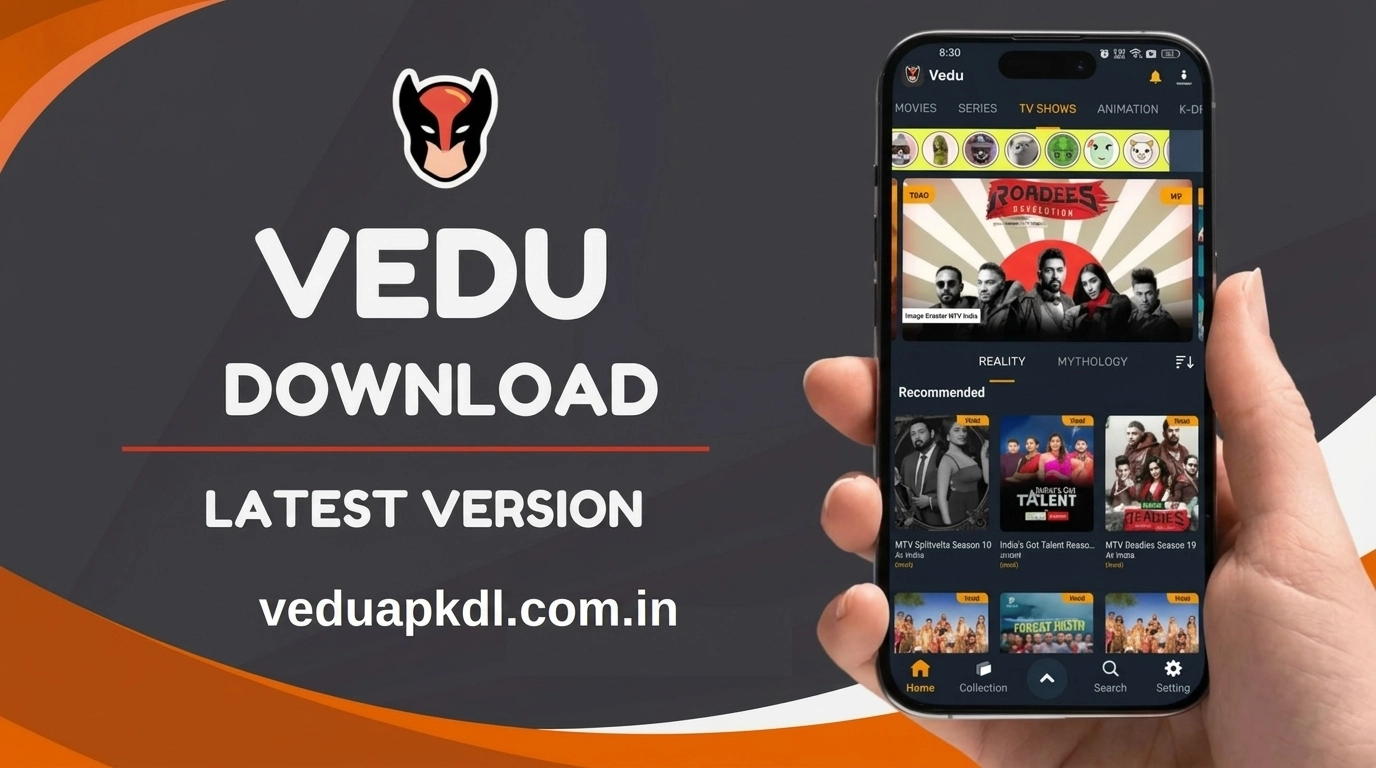
Vedu APK

Vedu APK for exciting live entertainment and a vast collection of Hollywood and Bollywood movies, all in one place for your viewing pleasure.
Vedu
Vedu opens the door to unlimited entertainment right at your fingertips. Imagine streaming all your favorite movies and shows completely free! This incredible application brings thousands of videos directly to your device. Movie lovers can easily find trending content in just a few clicks. With high-speed streaming, Vedu ensures a seamless viewing experience every time. You can discover top-rated cinema across various popular genres.
The smooth interface allows users to navigate all features effortlessly. Many viewers prefer Vedu for its massive library of titles. Moreover, it updates new releases quickly to keep you entertained. Every user enjoys personalized recommendations based on their unique taste. Try Vedu today to transform your daily entertainment routine completely.
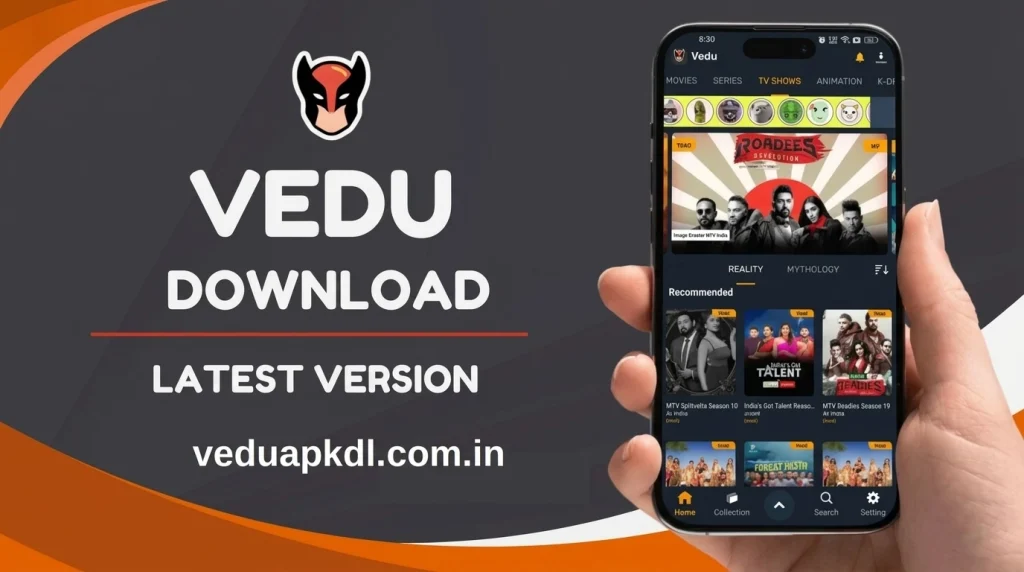
What is Vedu APP?
Smart offline media management becomes effortless with this versatile mobile app. You can save HD videos directly for offline playback anytime using Vedu. This powerful tool supports almost all popular video file formats. Users enjoy smooth playback without experiencing any annoying buffer delays. With smart organization features, Vedu keeps your local video gallery tidy.
You can create custom playlists to categorize your favorite clips. Furthermore, advanced hardware acceleration boosts overall performance and battery efficiency. Background playback in Vedu lets you multitask without interrupting your media flow. Every user can customize playback speeds to match their personal preference. Modern media enthusiasts rely on Vedu for seamless local video playback.
Why Are More People Exploring Vedu?
Many Android users search for lightweight applications with quick installation processes. Installing Vedu takes minimal space on low-spec mobile phones. Users can customize subtitles inside Vedu to match their personal viewing preferences effortlessly. Flexible screen controls allow simple adjustments for brightness and volume control. Smooth subtitle synchronization provides an immersive experience for international content lovers.
Additionally, Vedu lets users share video links directly with friends using built-in tools. Simple gestures make controlling playback options extremely intuitive and user-friendly. Minimal system requirements ensure stable performance without lagging your smartphone battery. This smart utility runs quietly in the background without draining resources. Modern users prefer Vedu for its convenient and hassle-free operation.
Top Features of Vedu
Key Application Highlights
This application delivers exceptional media streaming with maximum speed. Users easily customize their viewing settings for maximum daily convenience. Installing Vedu APK gives you complete access to premium features instantly. Powerful tools enhance your video quality without draining your battery.
Smart Playback Controls
Intelligent media gestures control your video streaming with Vedu Download. Users easily adjust screen brightness and volume using simple touch controls. Smooth seeking options allow instant navigation to your favorite movie scenes. High-tech tools deliver a seamless hands-free watching experience.
Smooth Gesture Controls
Simple screen gestures allow effortless control over your video playback options. Swiping up or down instantly modifies volume levels and displays brightness. Smooth double taps make skipping unwanted scenes effortless and fast. Modern features in Vedu APP deliver seamless video navigation for every user.
Fast Lag-Free Streaming
Advanced streaming technology ensures smooth video playback without any frustrating delays. Choosing Vedu APK 2027 guarantees top-tier performance on all internet networks. High-speed servers buffer media files instantly for continuous uninterrupted viewing.
Battery-Saving Performance
Optimized system code reduces hardware energy usage during long playback sessions. Smart resource allocation prevents mobile processors from overheating during high-definition streaming. Running Vedu Application protects your phone battery while delivering maximum performance.
Advanced Offline Downloading
High-speed Vedu APP Download engines save videos directly to your device storage quickly. Users easily build offline movie collections for smooth playback without internet access. Smart multi-thread processing allows fast background downloads during daily multitasking.
Smart Library Management
Automated file categorization organizes your local media library with extreme efficiency. The system scans folder directories instantly to identify incoming video files. Smart tagging options group your favorite clips by genre and release date.
Multi-Format Media Support
Universal playback technology decodes all major media formats smoothly on smartphones. Getting Vedu APK new version 2027 plays MP4 and MKV files effortlessly. Completing Vedu APK Download resolves missing video codec issues completely.
Easy Playlist Creation
Custom playlist tools allow users to group favorite media clips easily. Choosing Vedu APK file Download organizes your video collections smoothly on smartphones. Selecting Vedu TV Download syncs custom lists directly to your large screen. Smart arrangement options deliver non-stop personalized playback for endless enjoyment.
Background Playback Support
Seamless audio playback continues playing media while using other mobile applications. Choosing Download Vedu APK enables smooth background audio control without interruption. Installing Vedu APK APP allows users to multitask while listening effortlessly.
Private Folder Protection
Advanced security features shield your personal videos using Vedu TV APK. Using Vedu movie App keeps confidential downloads hidden from public gallery views. Strong passcode protection locks sensitive files away from unauthorized local access.
Advanced Security Features
Robust protection systems safeguard your device against external digital security threats. Completing Vedu TV APP Download provides encrypted video playback for users. Secure application architecture prevents malicious files from accessing your personal data.
Multi-Language Subtitle Support
Seamless caption integration allows users to watch international movies in multiple languages. Automatic language detection delivers an enjoyable viewing experience for global audiences. Customizable font styles and text sizes improve overall readability with Vedu For PC. Accurate time synchronization ensures perfectly matched captions across all video types.
Smart Audio Customization
Built-in equalizer tools optimize sound clarity for an immersive listening experience. Users easily adjust bass levels and treble balance to match their audio hardware. Custom sound presets enhance movie dialogues and background music effects seamlessly.
How To Download Vedu APK For Android
Installing this application on your Android phone is very quick and simple. Enabling unknown sources in settings allows seamless third-party app installation. Completing Vedu Download Latest Version gives you access to modern playback features. Follow these easy steps to setup the application safely on your phone:
- Step 1: Open your mobile browser and visit a trusted download website.
- Step 2: Click the download button to save the APK file onto your phone.
- Step 3: Enable “Unknown Sources” in your device security settings.
- Step 4: Open your download folder and tap the saved APK file.
- Step 5: Press the install option and launch the app to enjoy streaming.
Vedu for PC Download
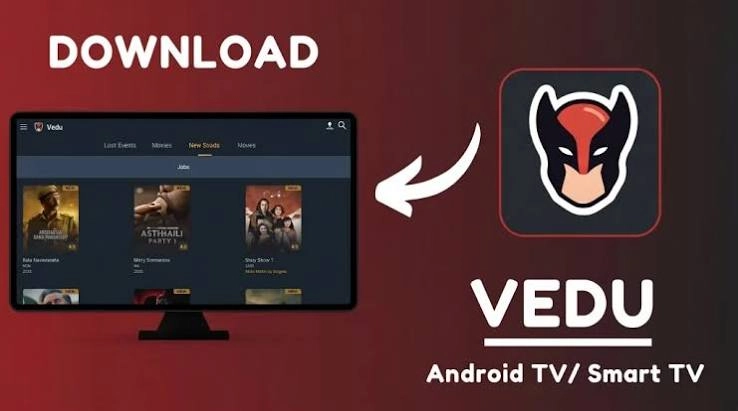
Running mobile video apps on a desktop computer provides a superior viewing experience with a larger screen and better sound. Users can easily set up Vedu for ios by using a reliable Android emulator like BlueStacks or LDPlayer. Modern emulators deliver smooth performance, fast processing, and full keyboard control for local and online video media.
How To Use Vedu
Using this application is extremely simple and user-friendly for everyone. Exploring the clean layout helps you discover trending media content quickly. Vedu For Pc Following these quick steps allows you to control video playback easily:
- Step 1: Open the application on your smartphone to access the main home screen.
- Step 2: Use the search bar at the top to find your favorite movies or videos.
- Step 3: Tap on any video title to open the built-in media player screen instantly.
- Step 4: Swipe up or down on the screen to adjust volume and brightness levels.
- Step 5: Click the download icon to save video files directly for offline viewing.
How To Download Vedu APK Latest Version?
Downloading the latest video streaming app on your smartphone takes only a few minutes. Smartphone users can easily download Vedu For Android from a trusted website safely. Enabling unknown sources in your settings allows smooth installation of third-party files. After downloading the file, simply tap it to finish the setup process.
- Open your mobile browser and search for a trusted download source.
- Click the direct download button to save the file on your device.
- Go to settings and enable installation from unknown sources.
- Open your download folder and tap the file to install it instantly.
| APP | Information |
| Name | Vadu |
| Size | 42.7 MB |
| Version | 1.0.24 |
| Total Download | 5.5 Million |
| Requirements | 4.0 and up |
| Languages | 52+ |
| Last Update | Today |
Press The Button To Start Download
Top Alternative of Vedu App
MX Player
Powerful media player features offer smooth hardware acceleration and seamless subtitle controls. Millions of users rely on it for playback across all popular video formats.
VLC Media Player
Famous open-source software plays almost any multimedia file format without additional downloads. Users enjoy a clean, completely ad-free interface with custom audio options.
Pikashow
Popular streaming utilities let users enjoy live TV channels, movies, and trending series easily. Everyday viewers get instant online access to a vast selection of video content.
KMPlayer
Feature-rich video tools support ultra-high-definition playback, including crystal-clear 4K and 8K videos. Users can easily customize screen controls and adjust playback speeds.
Castle App
Trending streaming platforms offer thousands of movies and live shows completely free. A simple layout makes finding and watching fresh content effortless for everyone.
MovieBox Pro
Cross-platform applications stream top-rated movies and television series in full HD quality. Smart multi-device syncing keeps your watching progress saved everywhere.
Playit
Smart all-in-one video players include built-in video downloading and music player capabilities. Automated directory scans detect local media files to keep your gallery organized.
BSPlayer
Efficient media technology uses hardware decoding to conserve your phone battery during long sessions. Automatic online subtitle searching ensures you never miss a word.
pros & cons
Pros
- Free to Use: You can watch and stream movies without paying any subscription fees.
- Offline Download Support: You can save videos directly to your device for offline viewing.
- Supports Multiple Formats: The app plays almost all video file types smoothly.
- Large Media Library: Users get access to thousands of movies, shows, and clips.
- Simple User Interface: Clean layout allows easy navigation for users of all ages.
- Custom Playlists: You can easily organize your favorite videos into custom lists.
- Fast Streaming Speeds: Enjoy high-quality playback with minimal buffering delays.
- Subtitle Integration: It allows you to add and sync subtitles for different languages.
Cons
- Frequent Ad Interruptions: Free playback often includes annoying pop-up ads.
- Not on Official Stores: You must download APK files from third-party websites.
- Requires Stable Internet: Online streaming needs a fast connection for best quality.
- Potential Security Risks: Unofficial sources may carry security risks for your device.
- No Automatic Updates: You have to manually update the application periodically.
conclusion
In conclusion, Vedu offers a complete solution for modern video entertainment. Movie lovers can enjoy high-quality video playback on their mobile devices. Downloading Vedu gives you instant access to your favorite content. The simple layout makes navigation effortless for every single user. Daily streaming with Vedu transforms your overall offline movie experience. Advanced features ensure smooth playback without any buffer delay. You can manage your private local video gallery very easily. Reliable performance makes Vedu a top choice for media lovers. Start using this versatile video player on your phone today. Enjoy seamless media streaming whenever you want without any hassle.